How Expensive Is A Golf Simulator: Real Cost Breakdown
A home golf simulator typically costs between $2,000 and $80,000 depending on setup.
I’ve worked with golfers, retailers, and installers for years, and I’ll walk you through how expensive is a golf simulator in clear terms. This guide explains what drives cost, real price ranges, recurring fees, and smart ways to get value. Read on to make a confident, cost-aware choice for your space and game.

What drives the price of a golf simulator
Several parts shape how expensive is a golf simulator. The main drivers are the launch monitor or sensor, enclosure and screen, software, computer or console, projector, hitting mat, and installation. Each part has low, mid, and high-end options. Warranties, brand, and optional extras like club tracking or custom courses push price up.
Key cost drivers and why they matter:
- Launch monitor or sensor: This is the core. Higher accuracy costs more.
- Enclosure and impact screen: Better materials and size raise the price.
- Software and course packages: Subscription services add ongoing fees.
- Projector and PC: Bright, fast gear improves realism and costs extra.
- Installation and room prep: Customized fit and soundproofing increase cost.
From my experience, buyers often under-budget for software subscriptions and room fixes. Plan for those costs up front to avoid surprise spending.
Price breakdown: budget, mid-range, and pro setups
Below are clear price bands to answer how expensive is a golf simulator at different budgets. Numbers are rounded and include common package items where noted.
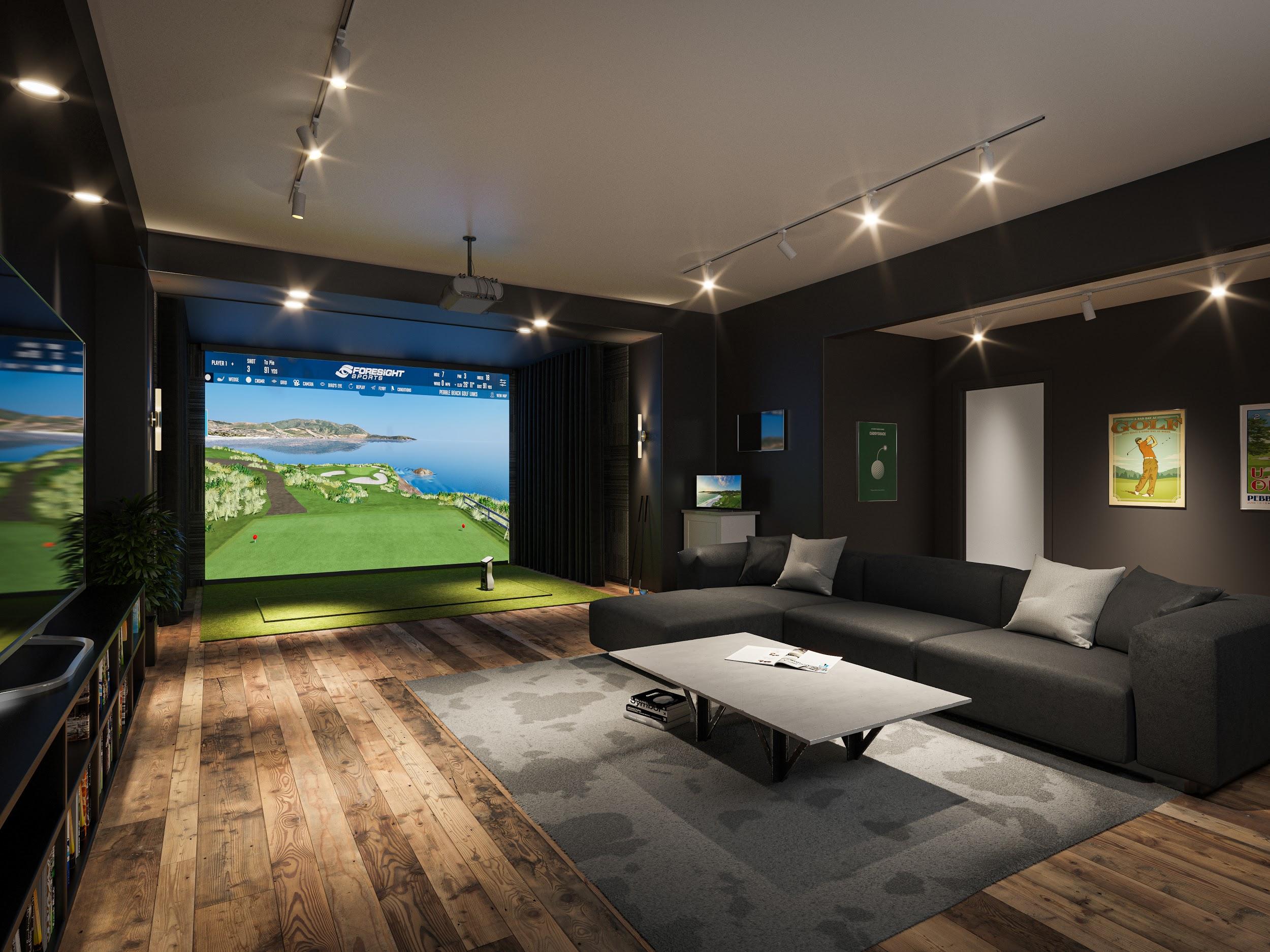
Budget setup: $2,000 to $5,000
- What you get: Basic launch sensor, net or small enclosure, entry-level mat, laptop or tablet, basic software.
- Best for: Casual players, tight spaces, and those testing the idea.
Mid-range setup: $5,000 to $20,000
- What you get: Accurate launch monitor, full enclosure with screen, projector, dedicated hitting mat, PC or console, popular course library.
- Best for: Serious hobbyists who want realistic feel and repeatable data.
High-end or commercial setup: $20,000 to $80,000+
- What you get: Top-tier launch monitors, pro-grade projector and screen, climate control, professional installation, high-quality furniture, advanced software and club data.
- Best for: Golf pros, commercial venues, players wanting the truest simulation.
Some buyers go above $100,000 for multi-bay commercial installs. How expensive is a golf simulator depends on goals and whether you want pro-level data and visuals.
Hidden and ongoing costs to plan for
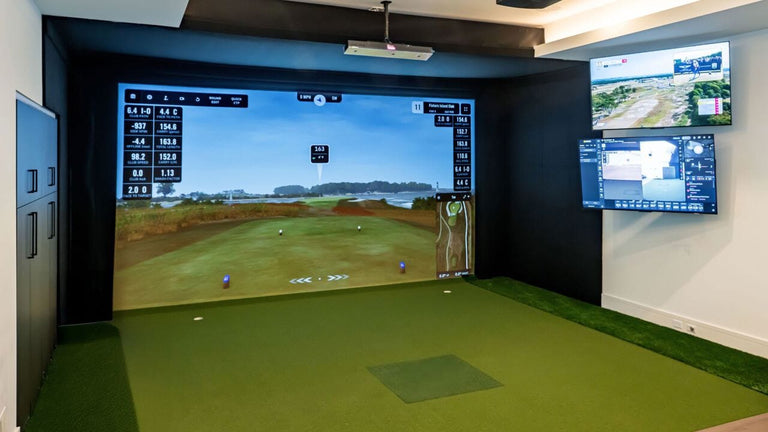
Knowing upfront parts is one thing. Knowing recurring and hidden costs is another. These often make a setup more expensive than the purchase price suggests.
Common hidden costs:
- Software subscriptions: Yearly fees for courses, updates, and online play.
- Calibration and updates: Occasional tune-ups or paid firmware upgrades.
- Replacement parts: Mats, screens, or sensors wear out over years.
- Electricity and climate control: Running projector and PC adds to bills.
- Shipping and taxes: Can add hundreds or thousands to the sticker price.
Practical tip from my work: add 10–20% of the hardware cost annually for ongoing expenses and upgrades. That helps you avoid regret and keeps your gear current.

Room, installation, and alternative cost factors
How expensive is a golf simulator also depends on where you put it. Room size and prep shape the final bill.
Room prep items:
- Flooring and mat anchoring: Simple levelling or new turf may be needed.
- Height and space: Low ceilings can force cheaper, compact systems rather than full-screen setups.
- Lighting: Controlled, dimmable lighting improves projector image and can cost extra.
- Soundproofing and safety: Adds comfort and protects neighbors.
Installation options:
- DIY: Low cost, but needs care and time.
- Professional install: Adds labor costs but saves headaches and ensures accuracy.
- Local codes and permits: Rarely required for home installs, but commercial builds often need permits that add cost.
Alternatives to reduce cost:
- Portable nets and sensors: Lower price and can fit small spaces.
- Simulator bays by the hour: Rent commercial bays locally to test the idea before buying.
- Buy used or refurbished gear: Savings can be large but verify condition and calibration.
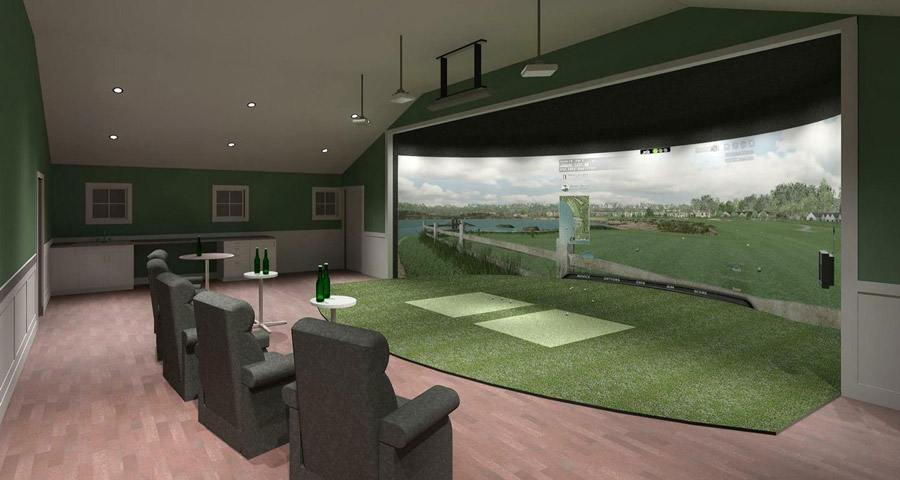
From my installs, rooms with 9+ foot ceilings allow the best full-screen experience. If your space is smaller, expect to spend less or choose a scaled system.
How to decide what’s worth the money
Start with goals, not gear. Answer these questions first:
- Do you want data for improvement or just fun practice?
- Will this be for family use or commercial play?
- How much space and budget do you have?
Decision checklist:
- Prioritize the launch monitor if training and accuracy matter.
- Prioritize screen and projector if realism and immersion matter.
- Budget for software subscriptions if you want many courses or online play.
- Consider modular upgrades so you can improve over time.
Personal note: I once bought a cheap net and top-tier launch monitor. The data was great, but the feel was poor. Upgrading the enclosure changed my enjoyment more than upgrading the monitor did. That taught me to balance realism and measurement.

Practical buying tips and mistakes to avoid
A few simple tips from hands-on experience can save time and money.
Buying tips:
- Demo before you buy: Use local shops or indoor ranges to test systems.
- Read the fine print: Know what warranties and return policies cover.
- Compare real-world accuracy: Data specs matter more than flashy videos.
- Plan space and light: Test projector visibility in your room.
- Buy from authorized dealers: They offer better support and calibration help.
Common mistakes:
- Skipping software cost in the budget.
- Assuming used goods are calibrated and reliable.
- Ignoring space constraints and choosing the wrong system size.
I once advised a player who chose a compact unit for a big garage. They ended up replacing it with a full-screen setup because they missed the immersive feel. Buy for the space you have and the experience you want.

Frequently Asked Questions of how expensive is a golf simulator
What is the cheapest way to get a golf simulator experience?
The cheapest route is a basic launch sensor plus a net and mat, costing around $2,000 total. You get basic shot data and can practice indoors, but expect less realism.
How much do pro-grade launch monitors cost?
Pro-grade launch monitors usually start around $10,000 and can go much higher for top commercial units. These offer higher accuracy, more data points, and stronger software integration.
Are monthly fees common for golf simulators?
Yes, many systems include optional or required subscription fees for course libraries and multiplayer features. Expect $10 to $50 per month depending on the platform and features.
Can I install a simulator in a standard garage?
Yes, many garages work. You should have about 10–12 feet of length and 9 feet of ceiling height for a comfortable full-screen setup. Smaller garages can use compact or net-based systems instead.
Is buying used golf simulator gear a good idea?
Buying used can save money but carries risk. Verify calibration, sensor condition, and any remaining warranty before purchasing.
How long do simulator components last?
With normal use, mats and screens may need replacement every 3–8 years, while sensors and projectors often last longer. Regular maintenance and gentle use extend lifespan.
Conclusion
A golf simulator can cost a few thousand dollars or tens of thousands. How expensive is a golf simulator depends on accuracy needs, space, and extras like software and installation. Decide your goals first, budget for ongoing fees, and test equipment before you buy. If you want a clear next step, make a shortlist of your must-haves and demo two systems in your budget range. Share your space and goals in the comments, and I’ll help you narrow options or find the best value.