How To Use A Golf Range Finder: Improve Your Accuracy
Point, lock the pin, read the yards, pick a club—repeat for each shot.
I’ve spent years testing range finders on fairways and in the driving range. This guide shows exactly how to use a golf range finder so you can hit smarter shots, shave strokes, and play with confidence. I’ll walk you through basics, step-by-step use, real tips from the course, common mistakes I’ve made and fixed, and how to care for your device. Read on and you’ll learn practical, field-tested advice for using a golf range finder today.

How a golf range finder works
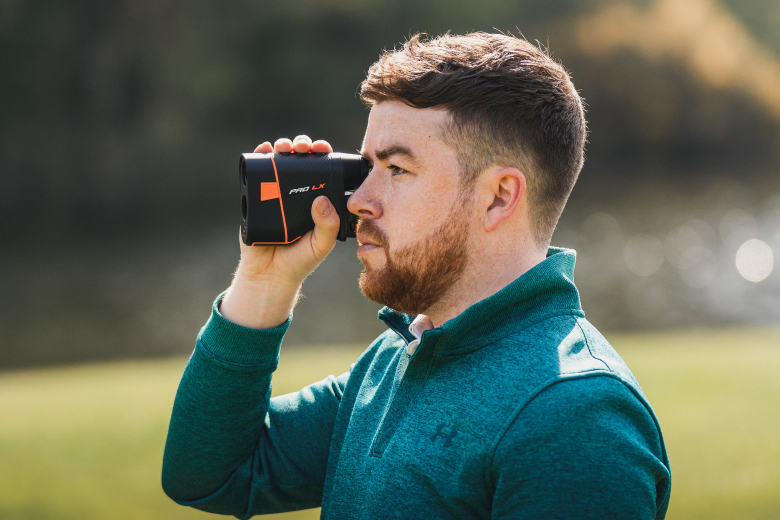
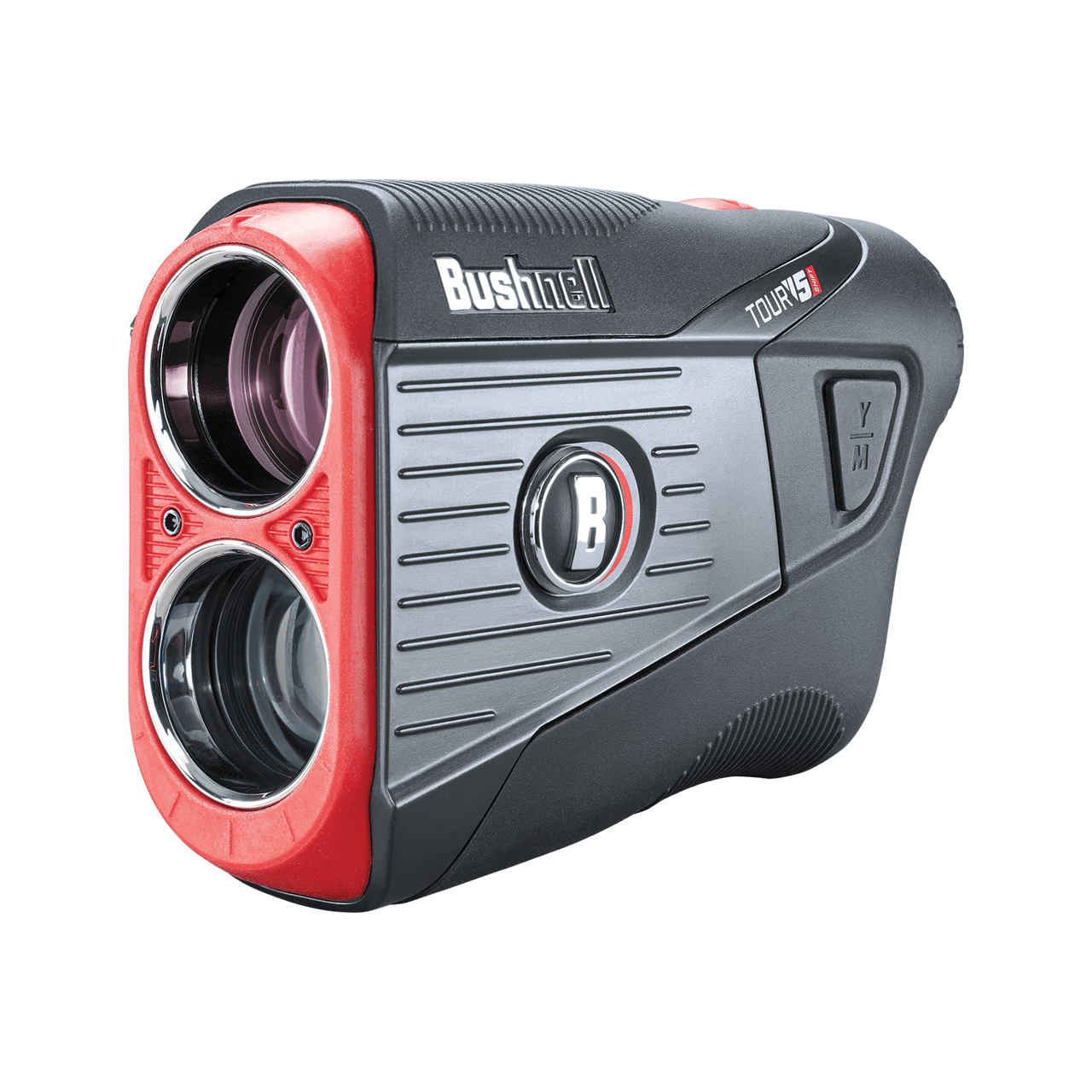
A golf range finder is a small optical device that measures distance to a target. Most modern units use laser pulses or GPS data to calculate yards or meters. Laser range finders shoot a beam and measure the time it takes to reflect back. GPS range finders use satellite data and course maps to estimate distance.
Knowing how a golf range finder works helps you pick the right tool and use it correctly on the course. I prefer laser models for direct distances and GPS for general course management. Both types can improve your shot-making when used the right way.
Choosing the right model before you learn how to use a golf range finder
Pick a tool that matches your needs and budget. Consider these features:
- Laser vs GPS: Laser gives exact distances to a target. GPS shows yardages to hazards and greens.
- Slope mode: Helps account for elevation. Use it where allowed or switch it off in tournaments.
- Magnification and optics: Higher magnification helps pick out pins but can make aiming harder.
- Range, accuracy, and lock speed: Look for ±1 yard accuracy and quick target lock.
- Size and battery life: Compact units are easy to carry; rechargeable batteries save money.
- Price and warranty: Value over flashy extras. A trusted warranty matters.
I once bought a cheap unit that couldn’t lock fast in wind. I learned to test lock speed and clarity before buying. Choosing well makes learning how to use a golf range finder faster and less frustrating.
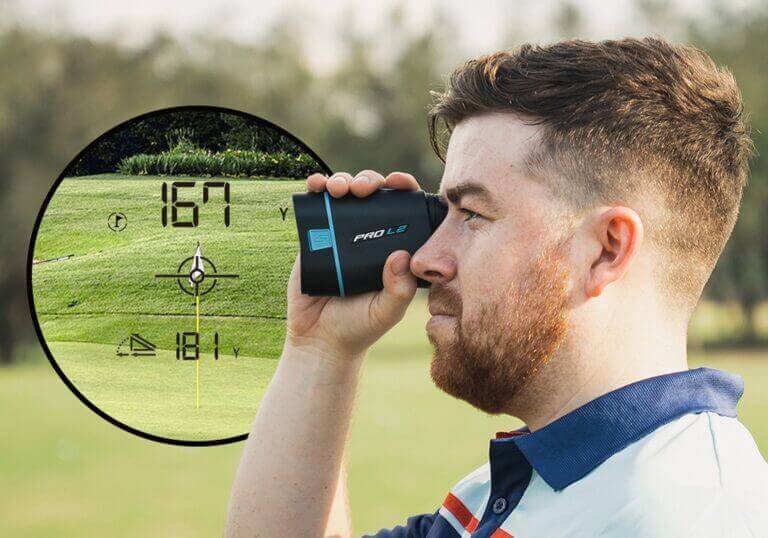
Step-by-step: how to use a golf range finder on the course
Follow these simple steps every time you pull the device out.
-
Read the manual first
Each model has unique buttons and modes. Quick setup makes on-course use smooth. -
Steady your stance
Plant your feet, tuck your elbows, and hold the unit with two hands. A steady grip improves lock accuracy. -
Power on and select mode
Choose yards or meters and slope on/off. If you’re playing competitively, disable slope. -
Pick a visible target
Aim at the flag, bunker edge, or club-sized target. If the pin’s blocked, pick the nearest clear point. -
Activate the laser or GPS and lock
For laser: press and hold the measure button until the unit beeps or shows a steady read. For GPS: confirm the hole and the displayed yardage. -
Confirm the reading and make a club choice
Convert yardage into a club and shot shape. Factor wind and lie when choosing. -
Re-check when unsure
Take a second reading for moving flags, sloped lies, or uncertain targets. Two reads reduce mistakes. -
Record and learn
Note yardages for common pins and trouble spots. Over time you’ll build a personal yardage book from your device.
I use a short checklist on my phone for the first few rounds with a new unit. That simple habit cut my setup errors by half. Using these steps will make how to use a golf range finder feel natural and fast.
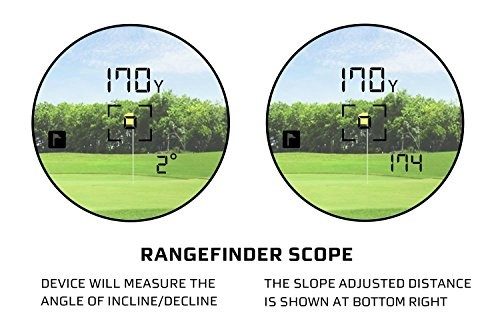
Practical examples and shot scenarios
Seeing the device in action helps cement learning. Here are common situations and what to do.
-
Straight shot to an exposed pin
Aim at the flag and lock. Use the exact yardage to pick club and aim point. -
Pin behind a bunker or trees
Aim at the nearest visible landmark behind or in front of the obstacle. Use that number and add or subtract for roll or carry. -
Uphill or downhill shots (slope mode)
Turn slope on during practice to see true playing yardage. In tournaments, use slope-off and apply a personal adjustment. -
Windy conditions
Take a lock and then estimate wind effect. Don’t rely only on the number; add or subtract yards based on wind strength. -
Long approach where green depth matters
Measure to the front, middle, and back of the green. This helps pick a club that lands the ball in the right zone.
I once misread a pin behind a mound by a few yards. After that, I always took two different target locks for risky approaches. These practical moves will improve how to use a golf range finder in real play.

Advanced tips, slope settings, and consistency
Mastering a range finder means refining small habits.
-
Practice with slope on and off
Learn how slope adds or subtracts yards for uphill and downhill. Create a personal chart for common elevation changes. -
Learn your playing yardage, not just the number
Hit shots to a given yardage on the range and note your actual carry and roll. This builds trust in your device and club choices. -
Use the edge-lock technique on pins
Aim for the edge of the flagstick to avoid background clutter. This often gives a cleaner lock. -
Account for elevation and temperature subtly
Cold air and high altitude change ball flight. Use your experience to tweak numbers slightly. -
Stay consistent with how you measure
Always measure from the same stance and hand position. Consistency reduces random error.
From testing, the biggest gains came from practicing with the range finder at the range. That practice time is how to use a golf range finder beyond just getting a number.
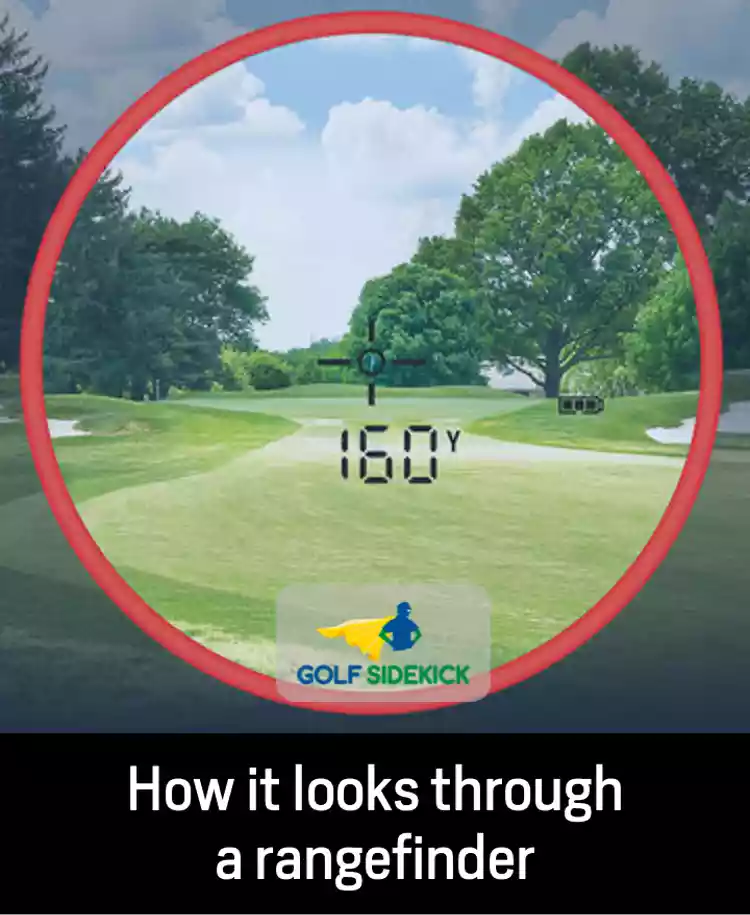
Common mistakes and how to avoid them
Avoid these pitfalls to get accurate reads and faster play.
-
Mistake: Relying on a single reading
Fix: Take a second measurement to verify, especially in tough light or cluttered backgrounds. -
Mistake: Using slope in tournament play
Fix: Know the rules and disable slope where required. -
Mistake: Aiming at background objects
Fix: Pick a clear target close to the pin. -
Mistake: Ignoring practice with the device
Fix: Spend a few range sessions learning how numbers translate to your ball flight. -
Mistake: Poor battery management
Fix: Carry spare batteries or a charger. Test battery life before big rounds.
I once let a low battery cause a blank screen on hole 7. Now I check battery health before every round and pack spares. These small fixes make how to use a golf range finder reliable under pressure.
Care, maintenance, and rules of use
A well-kept unit lasts longer and gives better readings.
- Keep lenses clean with a soft cloth.
- Store in a padded case away from heat and moisture.
- Replace or charge batteries regularly.
- Calibrate or update firmware if the manufacturer offers it.
- Know local rules: some clubs restrict rangefinder use in competitions.
I treat my range finder like a pair of glasses. Clean, protected, and charged. This protects your investment and keeps readings consistent when you need them most.
Frequently Asked Questions of how to use a golf range finder
How accurate are golf range finders?
Most modern laser range finders are accurate within ±1 yard under good conditions. GPS units vary more, often within 2–5 yards, depending on course mapping and satellite coverage.
Can I use a range finder in tournaments?
Many local and amateur events allow range finders without slope. Major competitions often prohibit devices that provide slope or wind data. Always check the event rules before play.
How do I read slope-adjusted yardage?
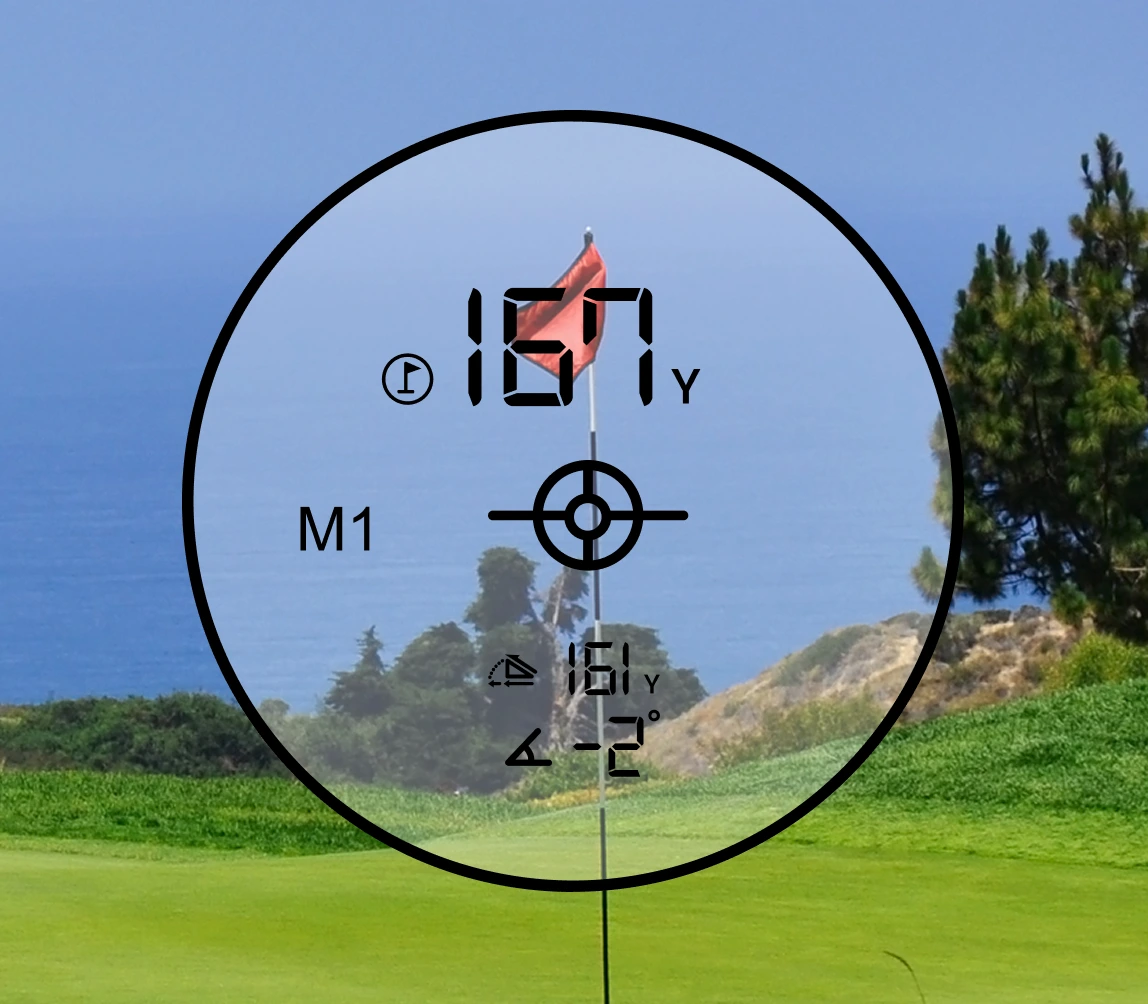
Slope mode calculates an adjusted yardage based on elevation change. Treat that number as the “playing yardage” and choose a club accordingly after practice.
Should I rely solely on the range finder for club selection?
No. Use the range finder as one tool among others. Consider wind, lie, green firmness, and personal shot trends when selecting a club.
How do I measure a moving flag or windy condition?
Aim slightly ahead of the moving target or take two quick readings from different angles. Use range finder data plus visual judgment to account for movement.
Do range finders work in low light or rain?
Optics and laser reflection perform best in clear conditions. Heavy rain, fog, or low light can reduce accuracy. Use GPS mode or estimate when visibility is poor.
Final thoughts and next steps
Using a golf range finder well changes how you plan and play each shot. Start with a model that fits your game, practice at the range, and build simple habits: steady grip, target lock, and two reads when unsure. Track your shots and learn how numbers match your clubs. You’ll gain confidence and fewer surprise misses.
Get out and practice with your range finder this week. Take notes on five common yardages for your clubs. Share your progress or questions in the comments, subscribe for more tips, or try a short on-course test to see real improvement.