What Happened To The Golf Channel App: What Changed?
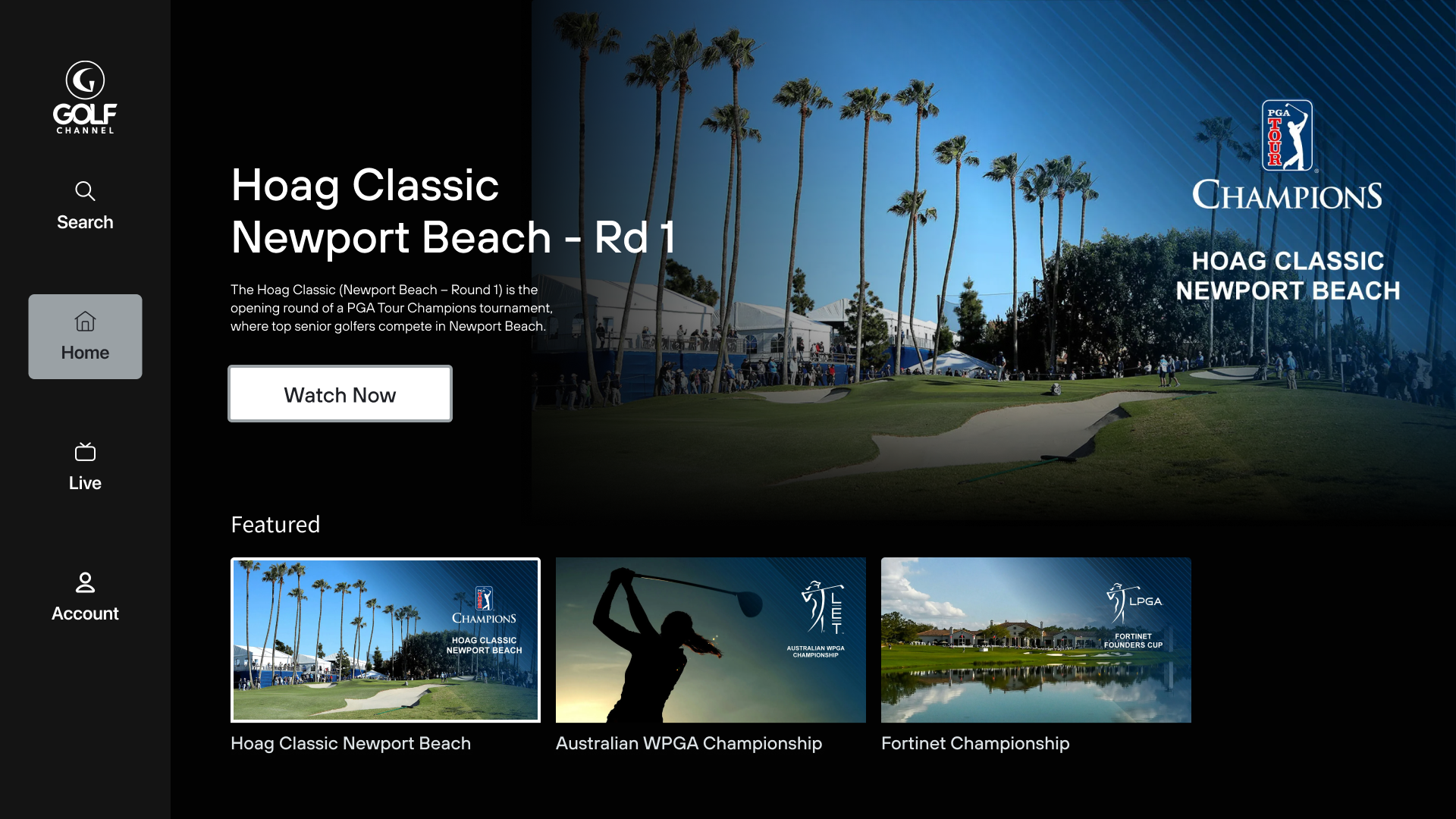
If the Golf Channel app disappeared from your phone, TV, or streaming device, it may not mean that Golf Channel shut down completely. In the United States, Golf Channel content is split across several services, including the Golf Channel website, the NBC Sports app, GolfPass, and provider-specific TV apps.
The most common reason is a change in platform support or a move of live content to the NBC Sports app. However, an expired TV subscription, an unsupported device, an outdated app, or a regional restriction can cause the same symptom.
This guide explains what likely happened, where Golf Channel content is now found, and what U.S. viewers can do next.

Is the Golf Channel app discontinued?
The answer depends on which Golf Channel function you mean.
The Golf Channel brand still provides news, scores, schedules, video, programming information, and live TV access. However, those features may no longer appear in one single app on every device. Some functions have moved to other NBCUniversal services or are available only through a web browser.
In practice, viewers may see one of these changes:
- The Golf Channel app no longer appears in the Apple App Store or Google Play.
- The app remains on a phone but stops working after an update.
- The app disappears from a Roku, Fire TV, smart TV, or game console.
- Live Golf Channel video moves to the NBC Sports app.
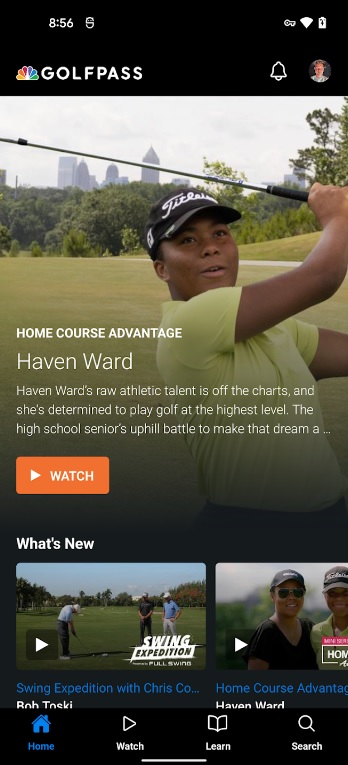
- Golf instruction and premium golf content remain in the GolfPass app.
- News and scores continue through GolfChannel.com.
- A TV provider app becomes the main way to watch the channel.
This is why two U.S. viewers can have different experiences. A feature may still work on iPhone but not on a smart TV. It may also work for news but not for live video.
Golf Channel and NBC Sports are part of NBCUniversal. Their apps and streaming rights can change as NBCUniversal updates its digital products. App stores and device makers also remove older apps when developers stop supporting a platform.
The key difference between the services
| Service | Main use | Usually needed for live Golf Channel? |
|---|---|---|
| GolfChannel.com | News, scores, schedules, articles, and some video | No, not by itself |
| NBC Sports app | Live NBC sports streams and selected Golf Channel coverage | Often yes |
| GolfPass | Golf instruction, games, travel, and premium content | No |
| TV provider app | Live channels included in a cable or live-TV plan | Sometimes |
| Peacock | Selected NBCUniversal sports and entertainment content | Depends on the event and rights |
The deciding factor is the type of content you want. News and scores usually need only a browser or supported app. Live TV normally requires a qualifying U.S. TV subscription and a supported streaming service.
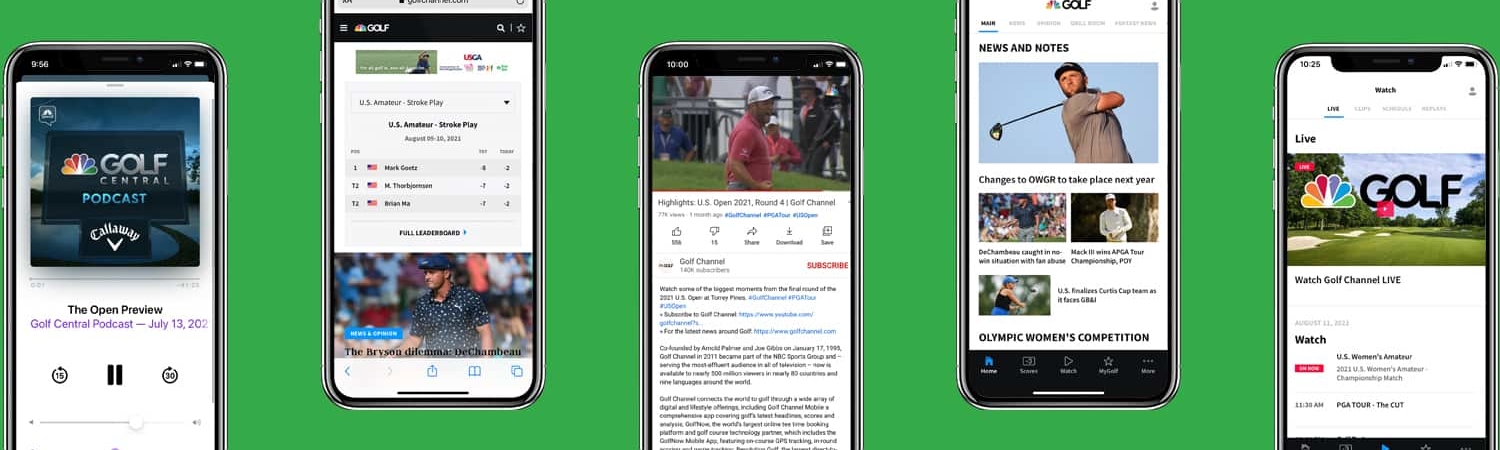
Why did the Golf Channel app disappear?
A missing app usually has a technical or business reason. It does not automatically prove that your account is broken.
1. The app may no longer support your device
App developers regularly end support for older operating systems and streaming devices. A device may still turn on and run other apps, but it may not meet the requirements for a newer version.
This can happen with:
- Older Roku models
- Older Amazon Fire TV devices
- Older smart TVs
- Phones that cannot install a current iOS or Android version
- Devices with very little free storage
- Unofficial or region-modified devices
If the app is missing from the device’s app store, support may have ended for that model. Reinstalling the app will not fix a compatibility block.
2. Live content may have moved to NBC Sports
Golf Channel is an NBCUniversal network. NBC Sports often handles live streaming for NBCUniversal sports properties.
That means the Golf Channel app may not be the correct place to watch live programming, even if the Golf Channel brand still appears online. The NBC Sports app may ask you to sign in with a participating TV provider, such as a cable, satellite, or live-TV streaming service.
A Golf Channel website login and a TV-provider login are not always the same thing. This distinction causes many failed sign-in attempts.
3. Your TV provider may no longer carry the channel
A live stream can stop working after:
- A cable or satellite plan changes
- A live-TV streaming package drops Golf Channel
- A household account is no longer active
- Your provider changes its authentication system
- You sign in with a package that does not include Golf Channel
The app may open normally while the live stream remains locked. That usually points to subscription authorization, not an app outage.
4. The app may be hidden by a store or account region
Apple, Google, Roku, Amazon, and smart-TV stores use account and device regions. A U.S. app may not appear if the device is linked to another country.
A VPN can also cause trouble. Streaming services may block or limit access when the location shown by your internet connection does not match your account or service area.
5. The app may have been removed after a software update
A system update can remove an app that is no longer supported. A factory reset can have the same effect.
If you still see the app icon but it will not launch, the installed copy may be obsolete. If the app icon is gone and the store cannot find it, the platform may no longer distribute it.

Where can you watch Golf Channel content now?
The right replacement depends on whether you want live TV, news, scores, or instruction.
For live Golf Channel programming
Start with the NBC Sports app or the official Golf Channel live-stream page. Look for a sign-in option that lists participating TV providers.
You may need:
- An active U.S. TV subscription.
- A package that includes Golf Channel.
- The username and password for that TV provider.
- A supported phone, tablet, browser, or streaming device.
- A stable internet connection.
Some live events may also be available through Peacock or another NBCUniversal service. Rights can vary by event, season, and platform, so check the official listing for the program you want.
For golf news, scores, and schedules
Use GolfChannel.com in a browser. The website is often the most reliable option when a dedicated app is unavailable.
You can save the site to your phone’s home screen:
- iPhone: Open the site in Safari, tap Share, then choose Add to Home Screen.
- Android: Open the site in Chrome, tap the menu button, then choose Add to Home screen.
This creates an icon that works much like a basic app. It does not restore old app features, but it can provide quick access to news, scores, schedules, and video that the website supports.
For golf instruction and premium golf content
GolfPass is a separate service. It focuses on golf instruction, original programs, travel content, games, and other premium features.
Do not assume that a GolfPass subscription includes live Golf Channel. GolfPass and live Golf Channel access are separate products unless the terms of a specific bundle say otherwise.
For watching through a cable or live-TV service
Your provider’s own app may include Golf Channel. This can be useful if the standalone network app no longer supports your device.
Open your provider’s channel guide and search for Golf Channel. If the channel appears, select it and follow the provider’s sign-in steps. If it does not appear, your package may not include the network.
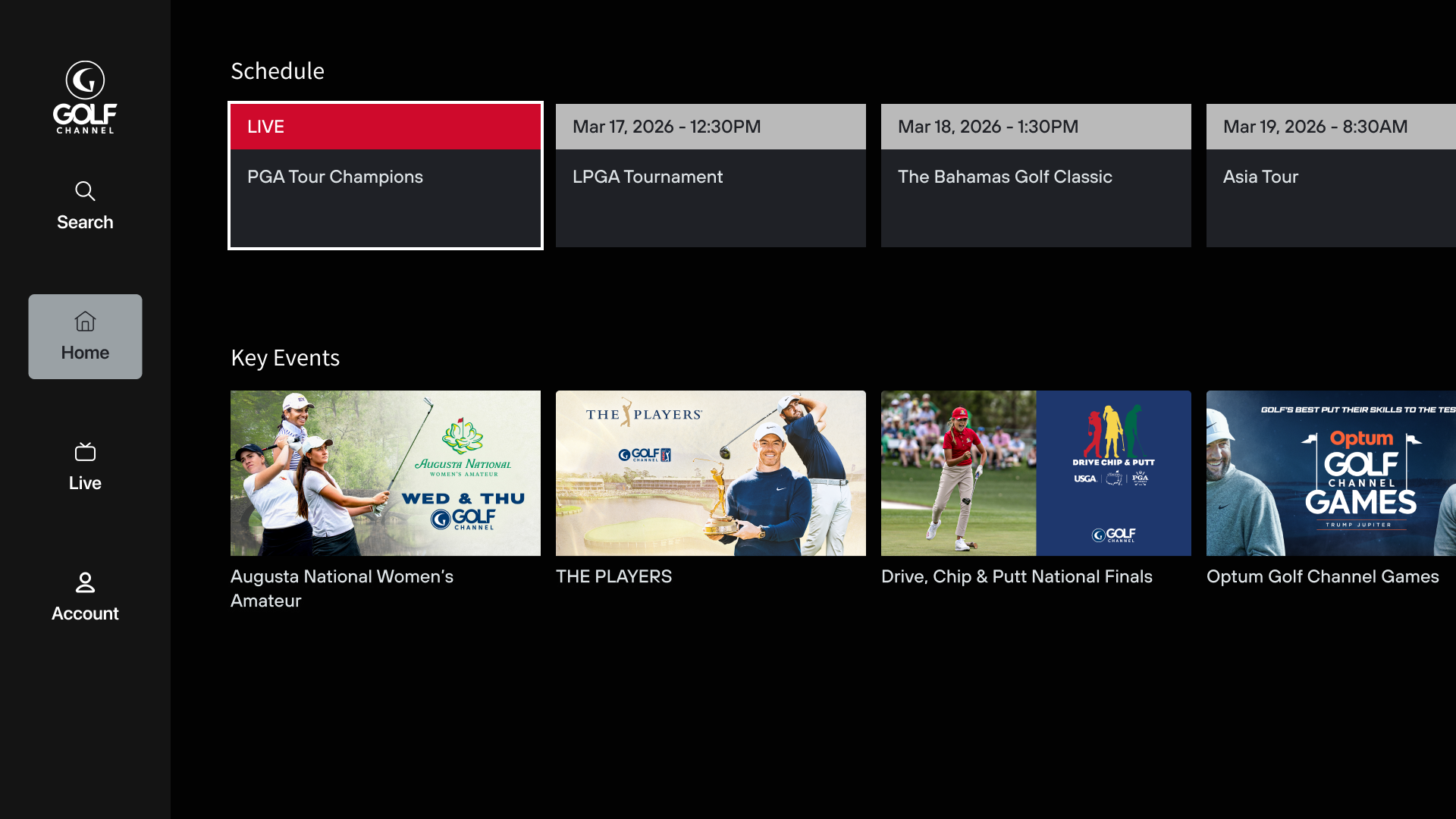
How to fix the Golf Channel app step by step
Use this order. It starts with simple checks and avoids deleting account data too early.
1. Identify the device and the missing feature
Write down:
- Device brand and model
- Operating system version
- Country set on the device
- Whether you need live TV, scores, news, or instruction
- Whether the app is missing, frozen, or rejecting your login
This matters because the solution for a missing Roku app is different from the solution for a locked live stream.
2. Check the official app store
Search for the app on the device itself. Do not rely only on an old home-screen icon.
If the app appears, check whether an update is available. If it does not appear, look for the NBC Sports app and your TV provider’s app.
Do not install an app from an unofficial website or a file-sharing service. Unknown app files can expose your account and device to malware.
3. Update the device
Install available updates for:
- The device operating system
- The app
- The web browser
- Google Play Services, if you use Android
Restart the device after updating. Some app-store changes do not appear until the device reconnects to the service.
4. Test the official website
Open GolfChannel.com and the official NBC Sports website in a browser. If the site works but the app does not, the problem is probably limited to the app or device.
If the site also fails, check your internet connection, account status, and location settings.
5. Confirm your TV subscription
Use your provider’s account page to confirm that:
- Your subscription is active.
- Golf Channel is included.
- You are using the correct provider.
- You have not exceeded a device limit.
- Your billing information is current.
A free Golf Channel account may not unlock live television. Live access usually depends on a participating TV provider or another qualifying subscription.
6. Sign out and sign in again
Sign out of the NBC Sports app or provider app. Then restart the device and sign in again.
Use the provider credentials requested by the screen. Do not automatically use a GolfPass password or a general NBCUniversal account unless the app specifically asks for it.
7. Reinstall only when necessary
Reinstalling can remove saved settings. Try it after checking the account and device first.
If you reinstall, download the app only from the official store for your device. If the app is not listed, that is useful evidence that the platform may no longer support it.
8. Contact the correct support team
Contact the service that controls the failed step:
- App will not install: device maker or app-store support
- App crashes: app publisher support
- Live stream is locked: TV provider or NBC Sports support
- GolfPass billing issue: GolfPass support
- Internet or location problem: internet provider
Give support the device model, operating system, app version, exact error message, and TV provider. A screenshot can speed up diagnosis.
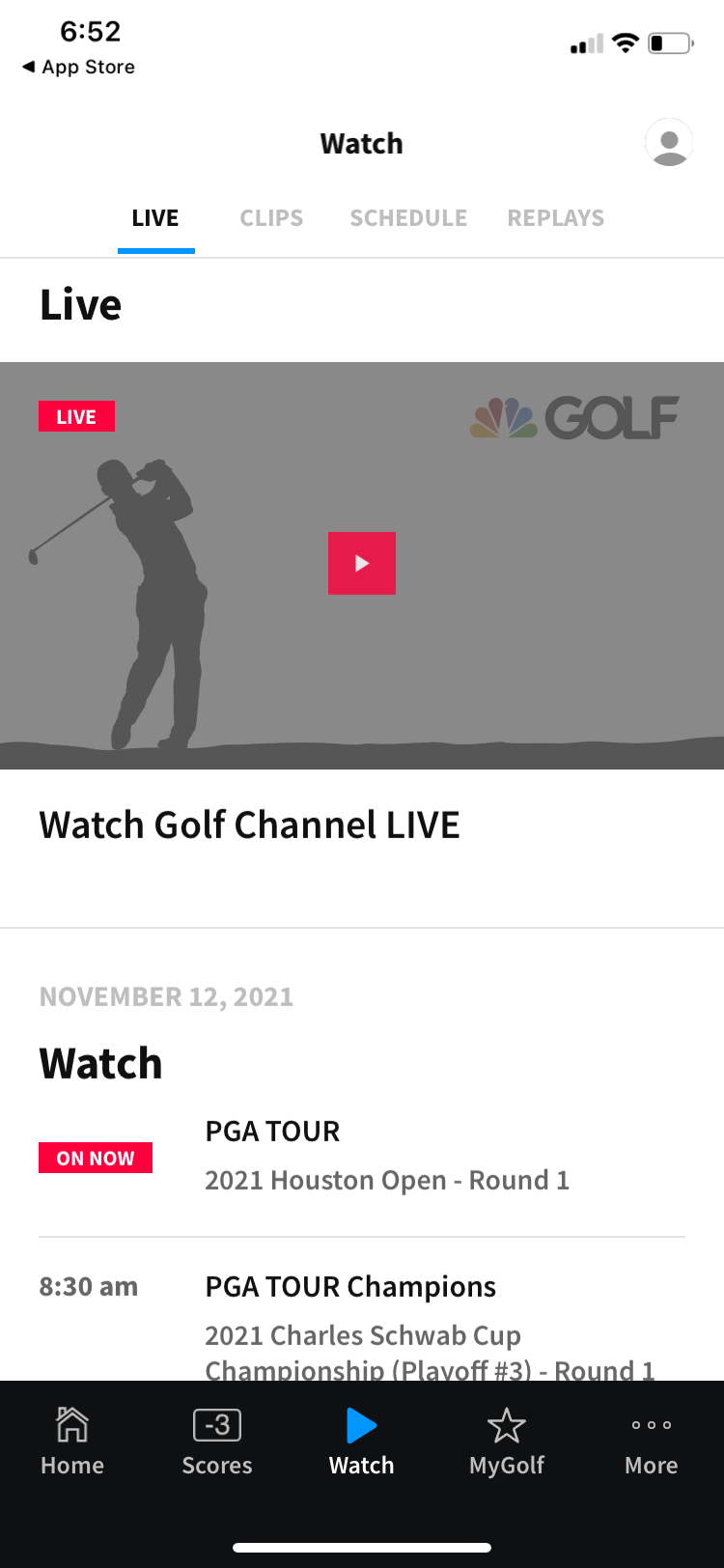
Common symptoms and likely causes
Use the table below to narrow down the problem.
| What you see | Likely cause | Best first check |
|---|---|---|
| App is not in the store | Device or platform support ended | Check NBC Sports and provider apps |
| App icon remains but will not open | Outdated app or operating system | Update the device and app |
| News works but live TV is locked | Subscription authentication | Confirm your TV package |
| “Provider not supported” appears | TV company is not an approved login partner | Check the official provider list |
| Video buffers or stops | Weak connection or device limits | Test another network or browser |
| App works on a phone but not a TV | TV platform has limited support | Use a browser, casting, or provider app |
| Content is unavailable in your area | Rights or location restriction | Disable VPN and check U.S. account settings |
| Password works on one service but not another | Separate account systems | Use the login requested by that service |
These are likely causes, not guarantees. The same message can result from an outage, an expired session, or a temporary rights change.

What not to do when the app is missing
Avoid several common fixes that can create more problems.
Do not pay for a new subscription before confirming that your current plan lacks Golf Channel. The issue may be a login error or a device limitation.
Do not factory-reset your TV as a first step. A reset deletes app settings, Wi-Fi details, and other preferences. It will not restore an app that the platform no longer distributes.
Do not use unofficial APK files, modified streaming apps, or websites that promise free live Golf Channel access. These services may steal passwords, show harmful ads, or violate the terms of the service.
Do not assume that every golf event appears on Golf Channel. Tournament rights can be shared among Golf Channel, NBC, Peacock, network television, and other services. Check the official schedule for the specific event.
Does deleting and reinstalling the app help?
It helps only when the app is still supported and the local installation is damaged.
Reinstalling may fix:
- A failed update
- A corrupted cache
- A login loop
- A frozen launch screen
- Missing settings after a partial installation
It will not fix:
- An unsupported device
- An expired TV subscription
- A service that has moved to another app
- A country or rights restriction
- A provider that is not accepted by the streaming service
Check the official app store before deleting the current copy. If the store no longer lists the app, deletion may prevent you from installing it again.
Can you watch Golf Channel without the app?
Yes. In the United States, the main alternatives are a supported web browser, the NBC Sports app, a TV provider app, or a compatible streaming device.
The browser option is often the simplest for news and scores. Live viewing still depends on the rights and subscription required for that program.
You can also connect a computer or phone to a television with a supported casting feature, HDMI connection, or streaming device. Casting may fail if the service blocks it, so use the viewing methods listed by the official service.

Frequently asked questions
Why can I not find the Golf Channel app on Roku?
The app may no longer support your Roku model, or the app may have been replaced for that platform. Search Roku for the NBC Sports app and your TV provider’s app. Also check for a Roku system update and confirm that your Roku account is set to the United States.
Is Golf Channel part of NBC Sports?
Golf Channel and NBC Sports are both part of NBCUniversal, but they are not always the same app or subscription. NBC Sports may provide the live-streaming service for Golf Channel content, while GolfChannel.com provides news, scores, and schedules.
Do I need a cable subscription to watch Golf Channel online?
Usually, live Golf Channel access requires a qualifying cable, satellite, or live-TV streaming subscription. Some programs may be offered through a different service, such as Peacock, but availability depends on the event and current rights.
Is GolfPass the same as Golf Channel?
No. GolfPass is a separate golf service focused on instruction, travel, games, and premium content. A GolfPass subscription does not automatically provide live Golf Channel unless a specific offer clearly includes it.
Why does the app work on my phone but not my smart TV?
Mobile apps and TV apps often have different support rules. The phone may use a current iOS or Android version, while the television may use an older operating system that the developer no longer supports. Use the NBC Sports app, provider app, or a browser-supported device if available.
Bottom line: what happened to the Golf Channel app?
The Golf Channel app did not simply disappear for every U.S. viewer in the same way. Its availability and features depend on the device, app version, streaming rights, and TV subscription.
For live Golf Channel, check the NBC Sports app and your TV provider first. For news, scores, and schedules, use GolfChannel.com. For instruction and premium golf content, check GolfPass.
The fastest next step is to identify the device and the missing feature, then search the official app store for NBC Sports and your TV provider’s app. If live video remains locked, verify that your U.S. subscription includes Golf Channel before changing devices or buying another service.