What Channel Is The Golf Channel On Fios: Find It Fast
For Verizon FiOS customers in the United States, Golf Channel is commonly found on channel 93 in standard definition and channel 593 in high definition. However, FiOS channel numbers can vary by city, region, and TV package. Use the FiOS on-screen guide or Verizon’s local channel lineup to confirm the listing for your home.

What channel is Golf Channel on FiOS?
The most common Verizon FiOS listings are:
| Version | Common FiOS channel |
|---|---|
| Golf Channel SD | 93 |
| Golf Channel HD | 593 |
These numbers are useful starting points, but they are not a guarantee for every FiOS market. Verizon may use different channel numbers in some areas. Your subscription also must include Golf Channel.
The fastest way to check is to press Guide on your FiOS remote and search for Golf Channel. You can also enter 93 or 593 directly into the remote. If neither number works, check Verizon’s official channel lineup for your ZIP code.

How to find Golf Channel on your local FiOS lineup
Your local FiOS guide gives the most accurate answer because it reflects your service address and package. Follow these steps:
- Turn on your FiOS TV.
- Press the Guide button on your remote.
- Search for Golf Channel, or browse the sports section.
- Check both the standard-definition and high-definition listings.
- Select the channel to see whether it is included in your package.
You can also use the FiOS search function. Press the search button, type Golf Channel, and choose the live channel result. This method can be easier than checking several channel numbers.
For online confirmation, visit Verizon’s FiOS channel lineup page and enter your location when prompted. A local lineup is more useful than a general online list because channel numbers can differ between FiOS markets.

Golf Channel SD and HD listings explained
Golf Channel may appear twice in the FiOS guide because television providers often carry both SD and HD feeds.
- SD means standard definition. It uses a lower-resolution picture.
- HD means high definition. It provides a sharper picture on a compatible television.
- 593 is the commonly listed HD channel for Golf Channel on FiOS.
- 93 is the commonly listed standard-definition channel.
If channel 593 does not appear, your package may include only the standard-definition feed, or your local lineup may use another number. If the channel appears in the guide but the picture is unavailable, the issue may involve your subscription or equipment rather than the channel number.

Is Golf Channel included with every FiOS TV package?
No. Golf Channel is not automatically included with every Verizon FiOS TV plan. Its availability depends on the package offered at your address and any sports or channel add-on attached to your account.
To check your access:
- Open the FiOS guide and search for Golf Channel.
- Look for a lock, order, or subscription message.
- Review your current TV package in your Verizon account.
- Compare your plan with the channel lineup shown for your ZIP code.
- Contact Verizon if the channel should be included but remains blocked.
Do not assume that seeing a channel in the guide means you receive it. Cable and fiber TV guides often display channels that are available in the market but restricted from a particular account.
Verizon can also change channel packages and lineups. Confirm the current package before upgrading or adding a sports tier.
What to do if Golf Channel is not working on FiOS
If you cannot watch Golf Channel, first determine whether the problem is the channel number, the subscription, or the equipment.
If the channel is missing from the guide
Search for “Golf Channel” by name instead of entering a number. The local listing may use a different channel number, or the channel may not be part of your plan.
Next, restart the guide or set-top box. A temporary guide error can hide channels or show an outdated listing.
If the channel is listed but locked
A lock usually means your FiOS account does not include Golf Channel. Review your plan or contact Verizon to ask about available packages.
If you see a black screen or error message
Check other channels first. If other channels also fail, restart the FiOS equipment and check for a service outage. If only Golf Channel is affected, the issue may be a channel authorization problem.
If the picture is not in HD
Make sure you are using the HD listing, commonly channel 593. Your television and FiOS receiver must also support HD. An older receiver, incorrect input, or loose cable can prevent an HD signal from displaying correctly.

Can you watch Golf Channel through the FiOS TV app?
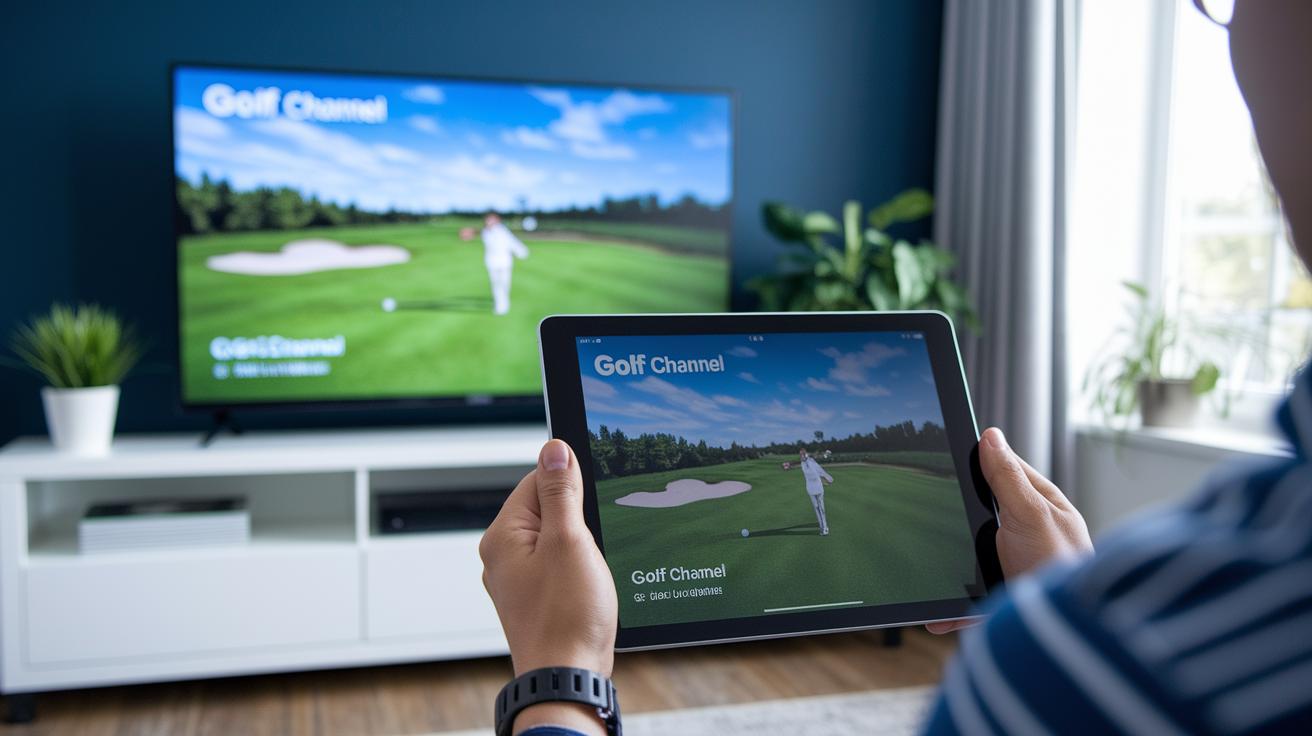
In many cases, eligible FiOS TV customers can watch included live channels through the FiOS TV app, subject to Verizon’s device, account, and network rules. The app’s channel list is tied to the customer’s TV subscription and location.
To look for Golf Channel in the app:
- Open the FiOS TV app.
- Sign in with the Verizon account linked to your TV service.
- Open the live channel guide.
- Search for Golf Channel.
- Select the channel if it is included in your plan.
The app may not show every channel on every device. Some programming can also have viewing restrictions based on location, licensing, or device support. The on-screen FiOS guide and your account’s local lineup remain the best ways to confirm access.
How to watch Golf Channel without a FiOS TV subscription
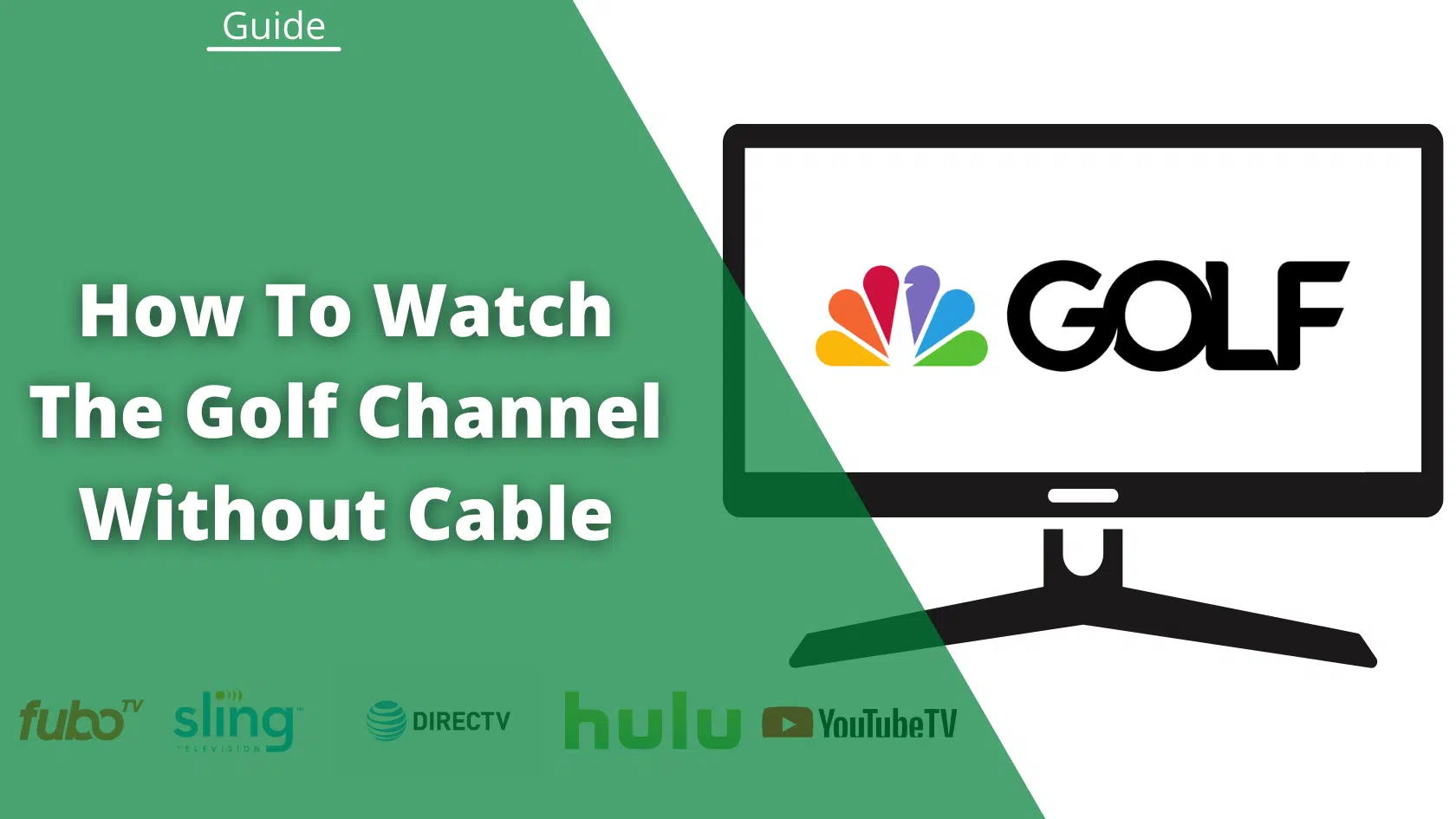
If Golf Channel is not included in your FiOS plan, you may have other legal viewing options. These can include:
- Adding a qualifying Verizon TV package or channel tier
- Using a live TV streaming service that carries Golf Channel
- Using the official Golf Channel website or app with an eligible TV-provider login
- Watching selected clips, highlights, or replays through official digital platforms
Availability, price, and channel access change over time. Check the provider’s current channel list before signing up. A streaming service may carry Golf Channel in one area but offer a different lineup in another.
A Golf Channel digital login does not always provide unrestricted live access. Some content requires authentication through a participating television provider.

FiOS Golf Channel lookup by situation
Use this quick guide when the usual channel numbers do not work:
| Situation | Best next step |
|---|---|
| You want the most likely channel | Try 593 for HD or 93 for SD |
| The number does not work | Search “Golf Channel” in the FiOS guide |
| The channel is locked | Check whether your package includes it |
| The listing is missing | Check Verizon’s local lineup by ZIP code |
| Other channels also fail | Restart equipment and check for an outage |
| You want to watch on a phone | Search the live guide in the FiOS TV app |
| You want to stream without FiOS TV | Check a current service that carries Golf Channel |
The key point is that the channel number and the channel entitlement are separate issues. Finding the correct number will not unlock Golf Channel if your account does not include it.

Common mistakes when looking for Golf Channel on FiOS
Assuming every FiOS market uses the same number
FiOS channel numbers are not guaranteed to be identical across the United States. Online lists may be correct for one market and wrong for another.
Checking only the HD channel
Some accounts or older equipment may show the SD version but not the HD version. Search for the channel by name if 593 does not appear.
Confusing Golf Channel with Golf Channel programming
Golf tournaments may also appear on NBC, Peacock, CBS, ESPN, or another network, depending on the event’s broadcast rights. Not every golf event airs on Golf Channel.
Assuming the app and TV guide have identical access
The FiOS TV app may have device and authentication limits. A channel available on a home receiver may not appear on every mobile or streaming device.
Upgrading before checking the current package
Review your account and local lineup first. Verizon may offer different packages in different markets, and channel tiers can change.

Frequently asked questions
What is Golf Channel HD on Verizon FiOS?
Golf Channel HD is commonly listed on FiOS channel 593. The exact number can vary by market, so confirm it in the local FiOS guide.
What is Golf Channel SD on FiOS?
Golf Channel standard definition is commonly listed on channel 93. If the number does not work, search for Golf Channel by name.
Why can I see Golf Channel but not watch it?
The channel may be listed in the guide but excluded from your current TV package. A lock or subscription message usually indicates that you need an eligible plan or add-on.
Does FiOS carry Golf Channel?
Verizon FiOS carries Golf Channel in markets and packages where the network is available. The channel may not be included in every FiOS TV plan.
Can I watch Golf Channel on FiOS without a cable box?
You may be able to use the FiOS TV app if your account, plan, device, and location qualify. Sign in and check the app’s live channel guide for Golf Channel.
Bottom line
For many Verizon FiOS customers in the United States, Golf Channel is on channel 93 in SD and channel 593 in HD. Because local lineups and packages differ, the safest confirmation is to search for Golf Channel in your FiOS guide or check Verizon’s channel lineup for your ZIP code.
If the channel is listed but locked, review your TV package. If it is missing entirely, use Verizon’s local lineup or contact support to confirm availability.