How To Use Radio Shack Golf Range Finder: Quick Setup Guide
Point the device, lock the target with the laser, read the distance, and pick your club.
I’ve used Radio Shack golf range finders on many courses and tested them in different light and weather. This guide explains how to use Radio Shack golf range finder step by step. You’ll learn setup, modes, real-course tips, maintenance, limits, and mistakes to avoid. Read on to get confident with your range finder and shave strokes off your score.
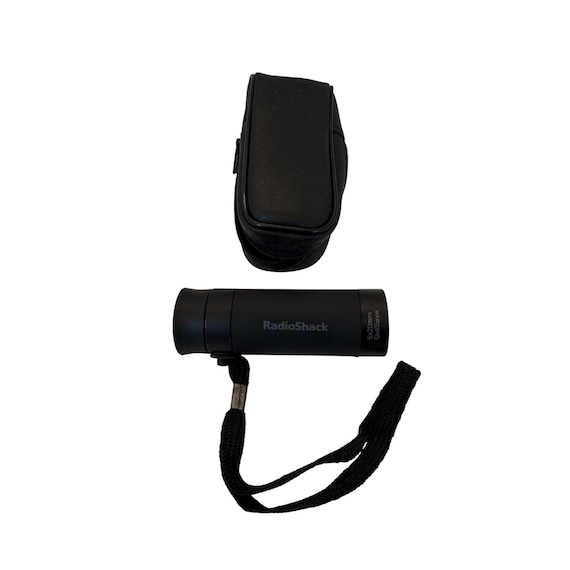
How Radio Shack golf range finders work and what to expect
A Radio Shack golf range finder uses a laser to measure distance by sending a beam and timing the return. The device calculates distance quickly and shows it on a small display. It is best for direct line-of-sight shots and works well on most courses in daylight.
A common question is whether the range finder sees flags behind trees. The short answer is no; dense foliage or reflective surfaces can block or confuse the beam. Another question: does slope mode change numbers? If your unit has slope mode, it adjusts distance to account for elevation. These basics help you use the Radio Shack golf range finder more effectively.

Step-by-step: how to use Radio Shack golf range finder on the course
- Turn on the device
- Press the power button once. Wait for the start-up beep or screen to stabilize.
- Check mode and units
- Make sure units are yards or meters as you prefer. Set slope on or off based on local rules.
- Aim with a relaxed grip
- Hold the finder up to your eye. Use the viewfinder or LCD to center the flag or target.
- Lock the target
- Press the measure or fire button. Hold steady until the device beeps or shows a lock icon.
- Read the display
- Note the distance, and any flags or slope info. Decide club choice and play.
- Repeat as needed
- Re-measure after moving or if your shot angle changes.
Practical tip: take two quick reads. One aimed at the flag and another at the ground near the flag. Use the smaller reliable number for club selection when unsure. Practicing these steps on the driving range will speed up your routine.
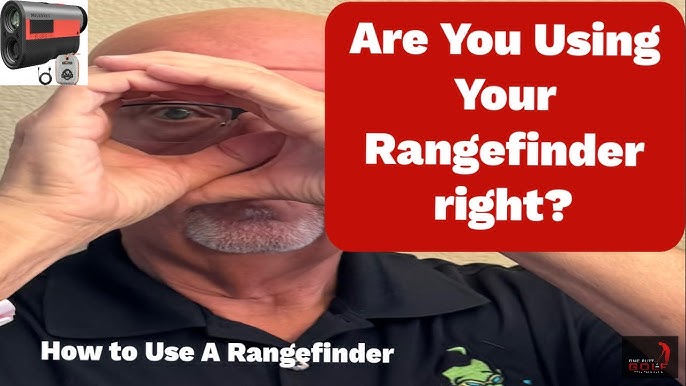
Settings, modes, and common features you’ll use
Most Radio Shack golf range finders include these features:
- Units toggle between yards and meters for your preference.
- Pin seeker or target-lock helps ignore background targets.
- Continuous scan mode displays changing distances while you sweep across the course.
- Slope on/off toggles elevation compensation; competition play often requires slope off.
How to use Radio Shack golf range finder with slope mode: enable slope at the start of the round only if allowed. Turn slope off for tournaments. Learn each button so you can change modes without wasting time on the tee.

Practical tips, accuracy tricks, and mistakes to avoid
Trust but verify: your range finder is accurate but human error happens. I once read a flag at 158 yards while the pin was on the other side of a bunker; I always double-check angles now.
Tips from the course:
- Aim for the brightest, most reflective part of the flag or a nearby light-colored spot.
- Use continuous scan for hazard distances and to confirm targets.
- Keep both eyes open for better depth perception and quicker target acquisition.
- When wind is strong, measure to the point you plan to land the ball, not just the flag.
Common mistakes:
- Rushing the lock — hold steady until you get a beep or lock icon.
- Measuring through glass, nets, or heavy brush — these reduce accuracy.
- Forgetting to set units — a yards/meter mistake can cost a club or two.
How to use Radio Shack golf range finder on windy days: aim for the ground near the pin or a marker. This gives a usable landing distance that accounts for roll and wind.
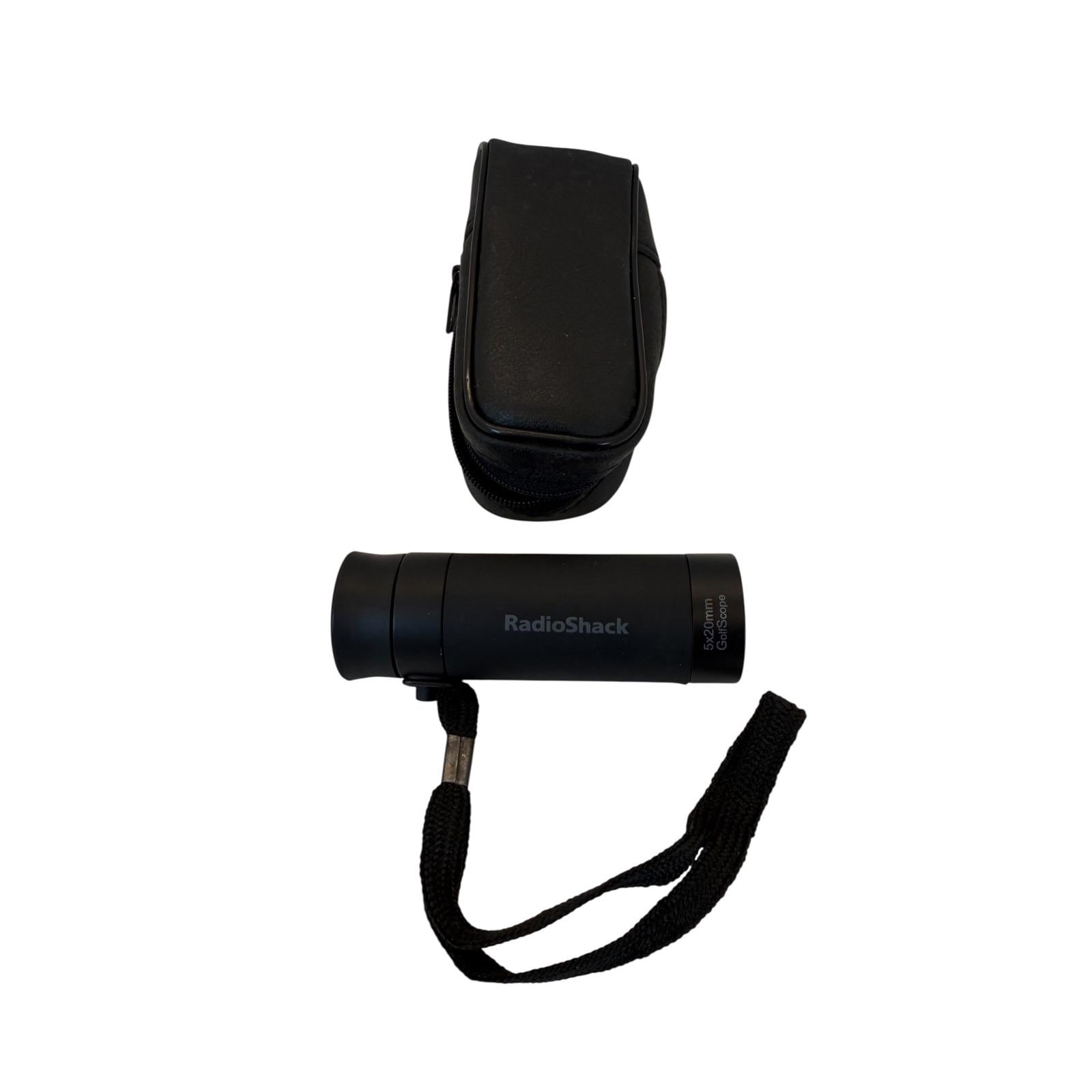
Maintenance, battery care, and storage tips
Battery care keeps your range finder reliable. Most models use CR2 or similar lithium batteries. Replace batteries before a long round and carry a spare in your bag.
Cleaning and storage:
- Wipe lenses with a soft cloth to avoid scratches.
- Store in the case away from extreme heat or cold.
- Avoid moisture inside the device; use silica packs if you store it long-term.
Troubleshooting quick checks:
- No power: replace the battery and check polarity.
- Blurry view: clean lenses and ensure eyepiece focus is set.
- Inconsistent distances: check for condensation or lens damage.
A simple routine check before each round will prevent most issues with how to use Radio Shack golf range finder and extend the device life.

Limitations, when not to rely solely on the range finder, and alternatives
Laser range finders are great for line-of-sight shots but have limits:
- They cannot see through thick trees or tall rough.
- Reflective surfaces can give false readings.
- They assume a stable handheld position; shaky hands reduce accuracy.
When to use other options:
- Use GPS watches or course mapping apps for hazard visuals and hole layouts.
- Use yardage books and course markers when visibility is poor.
If you want elevation-adjusted strategy for every shot, pair the range finder data with course knowledge and a yardage book. Knowing when not to trust a single reading is part of learning how to use Radio Shack golf range finder well.
Frequently Asked Questions of how to use radio shack golf range finder
How do I change units from meters to yards on a Radio Shack golf range finder?
Most models have a unit button in the settings or a long-press on the power button. Cycle the units until yards or meters appear on the display.
Can a Radio Shack golf range finder measure elevation or slope?
Some models include a slope mode that estimates elevation-adjusted yardage. Turn slope off for tournament play when slope compensation is not allowed.
Why am I getting inconsistent readings?
Inconsistent readings usually come from aiming errors, reflections, or moving your hands during measurement. Clean the lens, steady the device, and re-aim at a clear target.
Is the range finder legal for tournament play?
It depends on the model features and event rules. Slope-enabled readings are typically banned in competition; use the unit with slope off to comply.
How close do I need to be to the flag for a reliable reading?
Quality range finders can lock flags well beyond 200 yards in clear conditions. For tight shots, get within line of sight and steady aim for best results.
Conclusion
You can use a Radio Shack golf range finder to improve club selection and course management by learning its modes, aiming carefully, and practicing a simple routine. Start by mastering power, mode selection, and target lock. Use double-check reads and carry a spare battery to avoid surprises. Try these tips on the range this week and notice how one consistent habit can shave strokes off your score. Share your experience below or subscribe for more gear tips and course strategies.